What Is a Mouse Tester? Complete Guide to Testing Your Mouse Online
If your mouse is not responding correctly, double-clicking unexpectedly, or having scroll wheel issues, a Mouse Tester can help identify the problem quickly. A Mouse Tester is an online tool designed to check the functionality of your mouse buttons, clicks, scroll wheel, and overall responsiveness.
Whether you are a gamer, office worker, student, or casual computer user, testing your mouse regularly can help detect issues before they become serious.
In this guide, you will learn what a Mouse Tester is, how it works, why it is useful, and how to test your mouse online.
What Is a Mouse Tester?
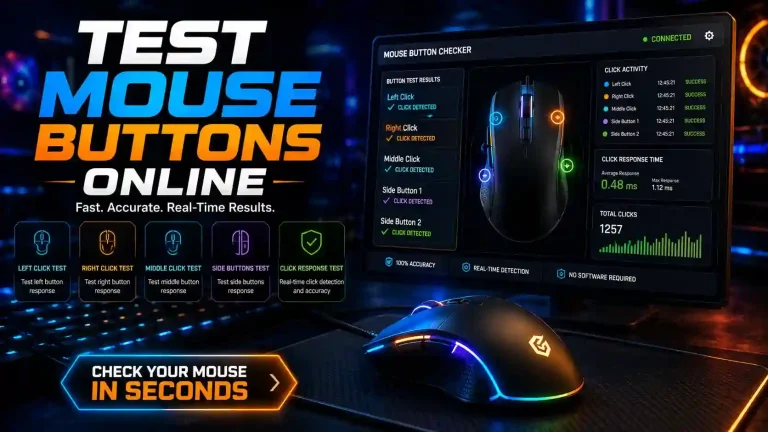
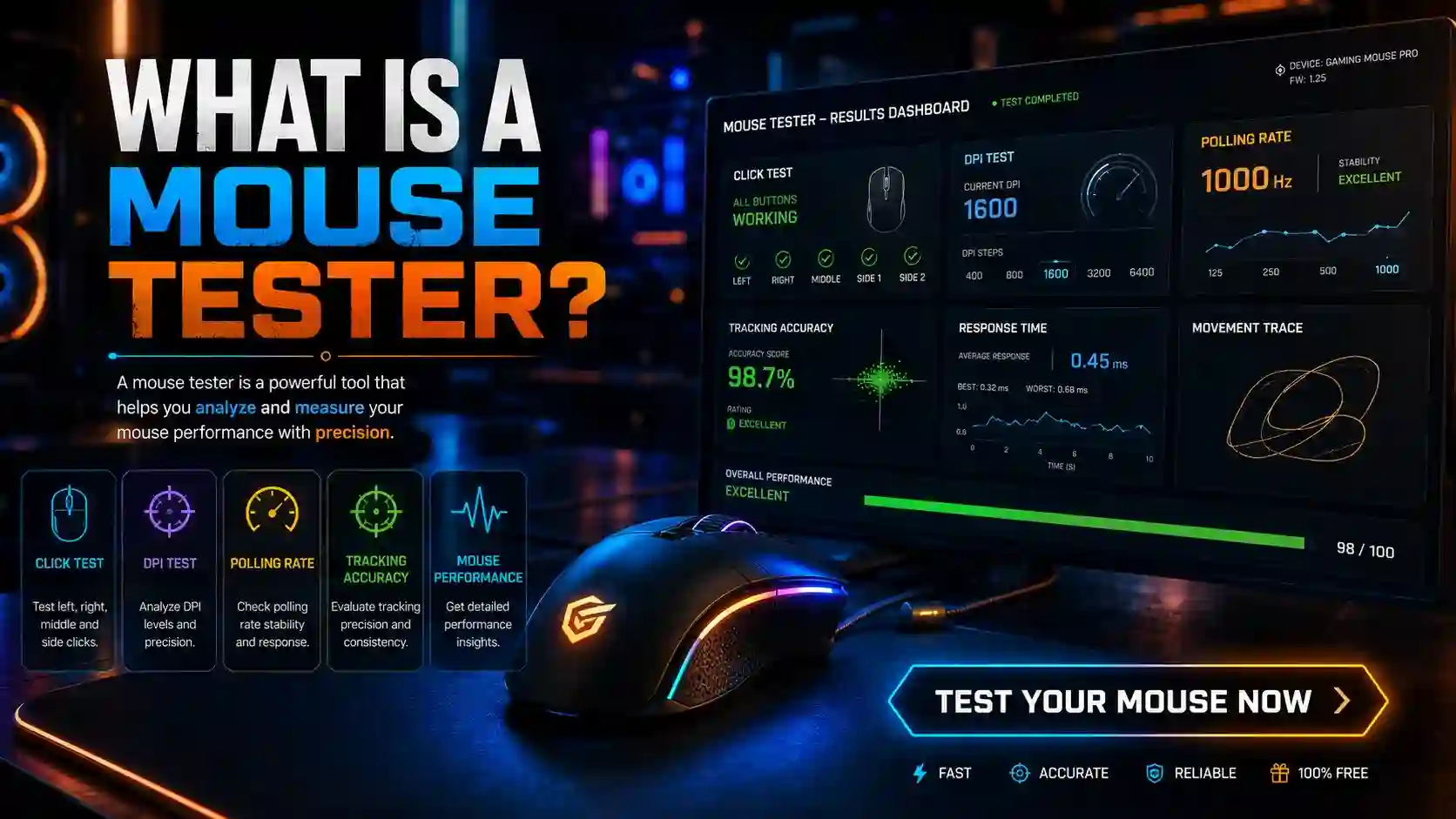
A Mouse Tester is an online tool that allows users to verify whether their mouse buttons and scroll wheel are functioning correctly.
The tool detects:
Unlike traditional software, most online Mouse Tester tools work directly in a web browser without requiring any installation.
How Does a Mouse Tester Work?
A Mouse Tester tracks signals generated when you interact with your mouse.
When you:
- Click a button
- Scroll the wheel
- Press side buttons
The tool immediately records the action and displays the results on the screen.
This helps users determine whether the mouse hardware is functioning properly.
Why Should You Use a Mouse Tester?
Many mouse problems are difficult to identify without proper testing.
Using a Mouse Tester can help you:
Detect Faulty Mouse Buttons
A damaged switch may stop registering clicks correctly.
Identify Double-Click Issues
Some mice generate multiple clicks when you only click once.
Test Scroll Wheel Performance
A Mouse Tester can verify whether scrolling works smoothly.
Verify Gaming Mouse Functionality
Gamers rely on accurate clicks and fast response times.
Save Time Troubleshooting
Instead of guessing the issue, you can quickly identify the problem.
Features of an Online Mouse Tester
A quality Mouse Tester usually includes the following features:
Real-Time Click Detection
Every click is displayed instantly.
Scroll Wheel Testing
Users can verify vertical scrolling performance.
Multi-Button Support
Advanced mice often include extra side buttons.
Browser-Based Testing
No software installation is required.
Fast Results
Testing typically takes less than one minute.
How to Use a Mouse Tester
Testing your mouse online is simple.
Step 1: Open the Mouse Tester Tool
Launch the Mouse Tester page in your browser.
Step 2: Click Every Mouse Button
Test:
- Left click
- Right click
- Middle click
- Side buttons
Step 3: Test the Scroll Wheel
Scroll both upward and downward.
Step 4: Review the Results
Check whether every action is detected correctly.
Step 5: Identify Any Issues
Missing clicks or inconsistent responses may indicate a hardware problem.
Common Mouse Problems a Mouse Tester Can Detect
Double Clicking
One click registers as two clicks.
Missed Clicks
The mouse occasionally fails to register input.
Scroll Wheel Failure
Scrolling stops working or behaves inconsistently.
Side Button Problems
Extra buttons stop responding.
Input Delay
Mouse actions feel delayed during use.
Mouse Tester for Gamers
Gaming mice require precise performance.
Professional gamers often test:
- Click responsiveness
- Button accuracy
- Scroll wheel reliability
- Hardware consistency
A Mouse Tester helps ensure that every action is registered correctly during gameplay.
Signs That Your Mouse May Be Failing
Watch for these symptoms:
- Random double clicks
- Delayed clicks
- Scroll wheel skipping
- Unresponsive buttons
- Cursor movement issues
If you notice these problems, testing your mouse is recommended.
Benefits of Online Mouse Testing
Free to Use
Most Mouse Tester tools are completely free.
No Downloads Required
Everything works directly in the browser.
Instant Results
You can identify issues immediately.
Beginner Friendly
No technical knowledge is required.
Works on Most Devices
Compatible with desktop and laptop computers.
No issu
Easy to use mouse tester tool
How Often Should You Test Your Mouse?
Testing your mouse is useful when:
- Buying a new mouse
- Troubleshooting hardware issues
- Experiencing gaming performance problems
- Checking old or heavily used mice
Regular testing can help prevent productivity interruptions.
FAQ
Conclusion
A Mouse Tester is a simple but powerful tool for checking mouse functionality. Whether you want to verify button performance, detect double-click issues, or test scroll wheel responsiveness, a Mouse Tester provides quick and accurate results.
By regularly testing your mouse, you can identify problems early, improve productivity, and ensure reliable performance for both work and gaming.